Connect with us

Showbiz

Simple Tool to Transfer Music Without Losing Tracks

Published

on

Music Transfer Tools

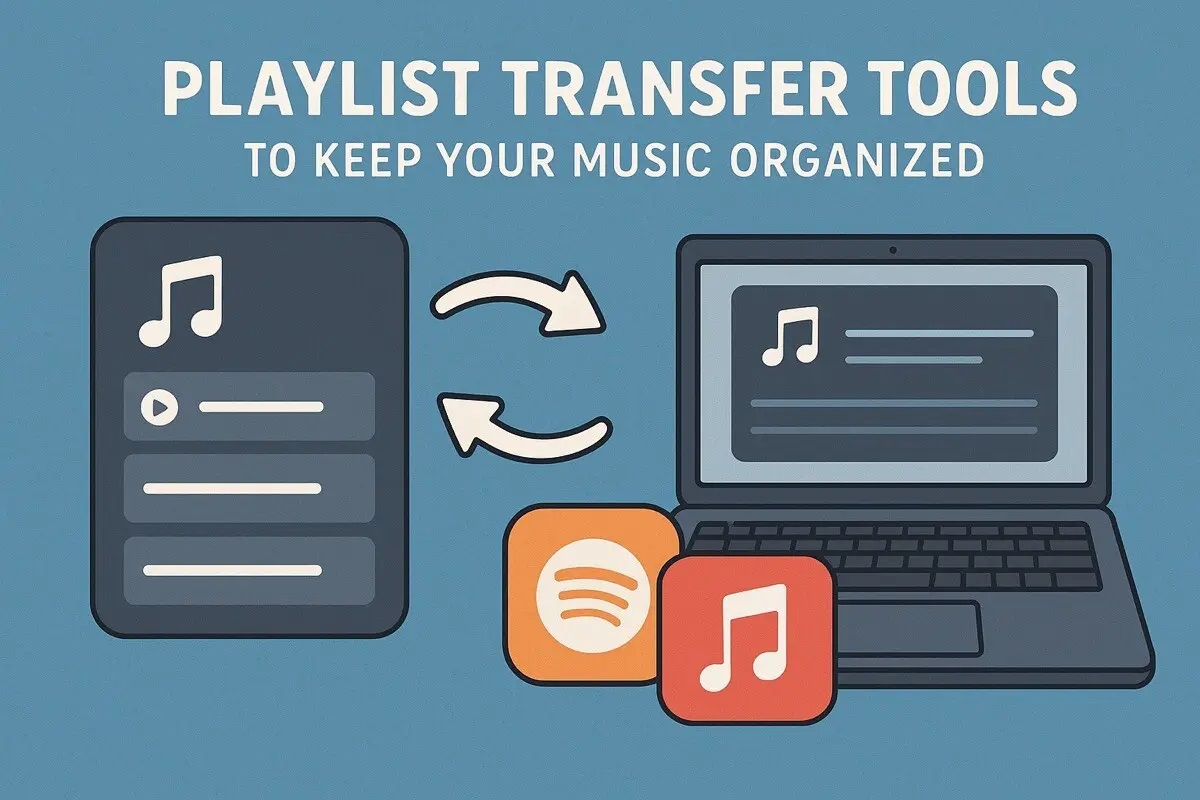
Transferring music from one device to another can often feel like a daunting task. For online business owners, eCommerce entrepreneurs, and digital professionals, streamlined processes are essential, and losing precious tracks during a transfer can be frustrating. Fortunately, tools like FreeYourMusic make moving music collections seamless and reliable, ensuring that every track and playlist remains intact.

This guide explores how to use these tools effectively, providing step-by-step tips to transfer music between devices or restore data. By following best practices, users can confidently manage their music libraries and enjoy uninterrupted access to their favorite tracks wherever they go.

Understanding Music Transfer Tools

Music transfer tools are specialized software applications designed to help the movement of audio files between different platforms or devices. They simplify the process by providing a user-friendly interface that allows users to quickly upload, download, and manage music files without needing extensive technical knowledge. For online business owners and agencies, using the right tool can save significant time and ensure that tracks maintain their original quality throughout the transfer, an essential factor when every second counts in a fast-paced digital environment.

These tools typically support multiple file formats and can handle various music libraries, making them versatile choices for users. They hide the complex processes behind a simple interface, allowing anyone to transfer music effortlessly.

Why Use a Music Transfer Tool?

Using a music transfer tool comes with several advantages that cater specifically to those who prioritize efficiency and reliability. Here are a few reasons:

  1. Time Efficiency: Transferring music manually can be a time-consuming process, often leading to frustration. Tools automate much of this work, allowing users to focus on their core activities, such as managing their businesses or campaigns.
  2. Loss Prevention: The fear of losing essential tracks during transfers is a common concern. A dedicated tool minimizes this risk by ensuring that files are copied accurately without corruption or loss.
  3. Compatibility and Flexibility: Many tools offer support for various file formats and can work across different operating systems. This compatibility ensures that users can transfer music regardless of their technology environment, whether it’s Windows, macOS, or mobile devices.
  4. Improved Organization: Some tools come with features that allow users to categorize and manage their music libraries effectively. This can prove invaluable for marketers who rely on specific soundtracks or audio content for promotional activities.

Key Features of an Effective Music Transfer Tool

An effective music transfer tool will offer various key features aimed at enhancing user experience. When choosing a tool, look for the following characteristics:

  1. User-Friendly Interface: A well-designed, intuitive interface that guides the user is crucial. Ideally, anyone should be able to navigate it without hours of training.
  2. Fast Transfer Speeds: Time is money, especially for busy professionals. A good tool will ensure swift transfers without compromising audio quality.
  3. Multi-Platform Support: Whether the user wants to transfer music from a computer to a smartphone, or between cloud services, multi-platform capabilities ensure versatility.
  4. File Integrity Checks: A reliable music transfer tool performs checks to confirm that files have been transferred without corruption, providing peace of mind.
  5. Backup Options: The inclusion of backup features is invaluable. Users should be able to create duplicates of their files easily before beginning the transfer to protect against unforeseen circumstances.

Step-by-Step Guide to Using the Tool

To effectively use a music transfer tool, follow these straightforward steps:

  1. Download and Install the Tool: Start by downloading the software from a trusted source. Follow the installation prompts to set it up on your device.
  2. Connect Your Devices: Use USB cables or a wireless connection to link the devices you will transfer music from and to. Ensure that both devices are recognized by the software.
  3. Select the Music Files: Navigate the software interface to find the music library. Select the tracks you wish to transfer.
  4. Initiate the Transfer: Click the transfer button and monitor the progress. Most tools will display the time remaining and file integrity checks during this phase.
  5. Verify Your Files: Once the transfer is complete, navigate to the destination device and play the tracks to ensure they’ve been transferred correctly.

Common Issues and Troubleshooting

Even though their advantages, users may encounter common issues with music transfer tools. Here are a few problems and their resolutions:

  1. Device Recognition Problems: If the device is not recognized, ensure that drivers are updated and that the device is properly connected.
  2. Transfer Failures: If transfers fail midway, check for stable connections and sufficient storage space on the destination device. Restarting the tool and devices can also resolve this issue.
  3. Corrupted Files: If files appear corrupted post-transfer, verify that the music files are in supported formats and consider reattempting the transfer.

Best Practices for Music Transfer

To enhance the experience and ensure successful music transfers, consider implementing these best practices:

  1. Regular Backups: Consistently back up your music library to separate drives or cloud storage to prevent data loss.
  2. Update Software Regularly: Keeping your transfer tool updated ensures compatibility with the latest devices and file formats, alongside crucial performance enhancements.
  3. Check System Requirements: Make sure the device you’re transferring music to meets the software’s system requirements to avoid any hiccups during the transfer process.

Conclusion

A simple tool to transfer music without losing tracks can save valuable time and eliminate headaches for online business owners and entrepreneurs. By understanding the importance of music transfer tools, selecting one with key features, and following best practices, users can confidently manage their music collections. Embracing these solutions not just streamlines the process but also ensures that creativity and efficiency coexist, eventually allowing professionals to focus on driving their businesses forward.


Dipo Olowookere is a journalist based in Nigeria that has passion for reporting business news stories. At his leisure time, he watches football and supports 3SC of Ibadan. Mr Olowookere can be reached via [email protected]

Click to comment

Leave a Reply

Your email address will not be published. Required fields are marked *

Showbiz

How to Vote in AMVCA 12: Step-by-Step Guide for Fans Across Africa

Published

on

How to Vote in AMVCA 12

The Africa Magic Viewers’ Choice Awards 12 is here, and beyond the glitz and glamour, fans across Africa have a powerful role to play, deciding who takes home some of the biggest awards of the night.

With 11 out of 32 categories open to public voting, this is your chance to support your favourite actors, filmmakers, and content creators.

Voting officially opened on March 29, 2026, and runs until April 26, 2026, ahead of the awards ceremony on May 9, 2026.

Here’s a simple step-by-step guide to help you cast your votes.

Step 1: Visit the Official Voting Platforms

Go to the official Africa Magic voting platform via: The Africa Magic website: www.africamagic.tv/amvca and the MyDStv or MyGOtv mobile app.

Once there, click on the “Vote” section to begin.

Step 2: Register an Account

If you’re a first-time user, create an account by providing:

  • Full name

  • Year of birth

  • Gender

  • Country/location

  • Mobile number (in international format)

  • Password

You’ll receive a verification code (OTP) via SMS or WhatsApp. Enter it to activate your account.

And if you’re already registered? Simply log in.

Step 3: Log In

Use your:

Registered mobile number

Password

Step 4: Choose Your Favourite Nominees

Browse through the voting categories and select your preferred nominees.

Public voting categories include:

  • Best Digital Content Creator

  • Best Short Film

  • Best Scripted M-Net Original

  • Best Unscripted M-Net Original

  • Best Indigenous M-Net Original

  • Best Indigenous Language Film (West, East, South, North & Central Africa)

  • Best Movie

Step 5: Allocate Your Votes

You can cast up to 100 votes per platform.

Distribute your votes across multiple nominees or go all-in on your top favourites, it’s your call.

Step 6: Submit Your Vote

Click “Vote” to submit, and your votes will be counted immediately.

Important Things to Remember

  • Voting is free (data charges may apply)

  • Only selected categories are open to public voting

  • Voting closes on April 26, 2026

  • Late votes will not be counted

The Africa Magic Viewers’ Choice Awards is more than just an awards show; it’s a celebration of African storytelling shaped by both industry experts and fans like you.

So don’t just watch, vote, support your favourites, and be part of the moment.

Continue Reading

Showbiz

Press Play on Nostalgia: Papa Ajasco, Superstory and More Return on GOtv

Published

on

Papa Ajasco Super Story WAP TV

There was a time when Sunday evenings meant one thing: everyone gathered in the living room, eyes glued to the TV, waiting for Superstory to begin. It wasn’t just another show, it was a ritual. Phones were put aside, dinner was timed perfectly, and conversations paused the moment that familiar theme song came on. For many families, it became a tradition, a shared experience that brought laughter, suspense, and lessons that lingered long after the credits rolled.

That same feeling, that warm wave of nostalgia, is exactly what WAP TV is keeping alive.

With a lineup of timeless classics like Superstory, Akpan and Oduma, Ikebe Super, Papa Ajasco and Company, and Turtle Taido Game Show, the channel isn’t just airing old content, it’s reopening a window into moments that defined childhood for so many Nigerians. These are the shows that shaped humour, created inside jokes, and introduced characters that felt like extended family.

Papa Ajasco and Company gave us exaggerated comedy that somehow always reflected real-life situations, while Akpan and Oduma delivered a unique blend of streetwise humour and unforgettable chemistry. Ikebe Super pushed boundaries with its bold, comedic storytelling, and Turtle Taido Game Show brought a playful, competitive energy that had everyone shouting answers from their seats at home.

But beyond the laughter, what makes these shows special is the feeling they carry. Watching them again isn’t just entertainment, it’s memory. It’s being transported back to simpler times, when the biggest decision was where to sit in the living room and who controlled the remote.

In a world where content moves fast and trends change even faster, there’s something comforting about returning to the stories that once brought everyone together. WAP TV understands that nostalgia isn’t just about the past, it’s about connection. And by bringing these classics back to our screens, they’re giving a new generation a chance to experience that same magic, while reminding others of where it all started.

To catch up with all these shows and more, tune in to WAP TV on GOtv Channel 129, where the memories live on and the laughter never really leaves.

To subscribe, upgrade, or reconnect, download the MyGOtv App or dial *288#. For catch-up and on-the-go viewing, download the GOtv Stream App and watch your favourite shows anytime, anywhere.

Continue Reading

Showbiz

Second Term Break Starts Here: The Best Kids’ Channels & Shows to Watch

Published

on

Cartoon Network

Easter may be over, but the fun doesn’t have to stop. With the second term holiday in full swing, the question now becomes: how do we keep the kids happily engaged while they’re home?

From animated favourites to live-action hits, there’s no shortage of exciting content to keep young viewers entertained throughout the break. GOtv brings together a rich lineup of kids’ channels designed to keep the holiday fun going, spanning action-packed adventures, light-hearted comedies, and educational stories, offering a well-rounded mix that caters to different interests and age groups, while making it easy for families to find something everyone can enjoy.

Here are the Top Kids Channels & Shows on GOtv;

On Cartoon Network (Ch. 67)

Energy and adventure take centre stage. Shows like Teen Titans Go! bring humor and superhero chaos, while Pokémon Horizons continues the beloved Pokémon journey with fresh stories. Add in the imaginative storytelling of Craig of the Creek and the sci-fi curiosity of Elliott from Earth, and you’ve got hours of non-stop excitement.

Over on Nickelodeon (Ch. 62)

It’s all about fun, friendship, and a little mischief. Kids can dive into the comedic action of Danger Force, enjoy the timeless charm of The Smurfs, and laugh along with Side Hustle. And of course, no holiday lineup is complete without the iconic SpongeBob SquarePants.

Disney Junior (Ch. 60)

This is for younger viewers, delivering wholesome, engaging content that blends fun with learning. Spidey and His Amazing Friends brings superhero teamwork to life, while Firebuds introduces kids to the value of helping others. Cultural curiosity shines through in Mira, Royal Detective, making learning feel like an adventure.

Some educational content

PBS Kids (Ch. 65)

PBS Kids continues to be a trusted favourite for enriching content. Classics like Arthur teach empathy and life lessons, while Molly of Denali introduces culture, problem-solving, and adventure in a refreshing way.

JimJam (Ch. 61)

And for the littlest viewers, it keeps things simple and delightful with Guess with Jess, a gentle, curiosity-driven show perfect for early learning on Jim Jam.

Family Moments with Local Flavour

Beyond international hits, GOtv also celebrates relatable, homegrown storytelling on Africa Magic Family (Ch. 4).

Make the holiday not just about keeping kids occupied, make it about creating moments they’ll remember. With GOtv’s diverse lineup, every day can be filled with laughter, learning, and a little bit of magic.

To upgrade, subscribe, or reconnect, download the MyGOtv App or dial *288#. For catch-up and on-the-go viewing, download the GOtv Stream App and enjoy your favourite shows anytime, anywhere.

Continue Reading

Trending