

Technology
Choosing the Right World on PC

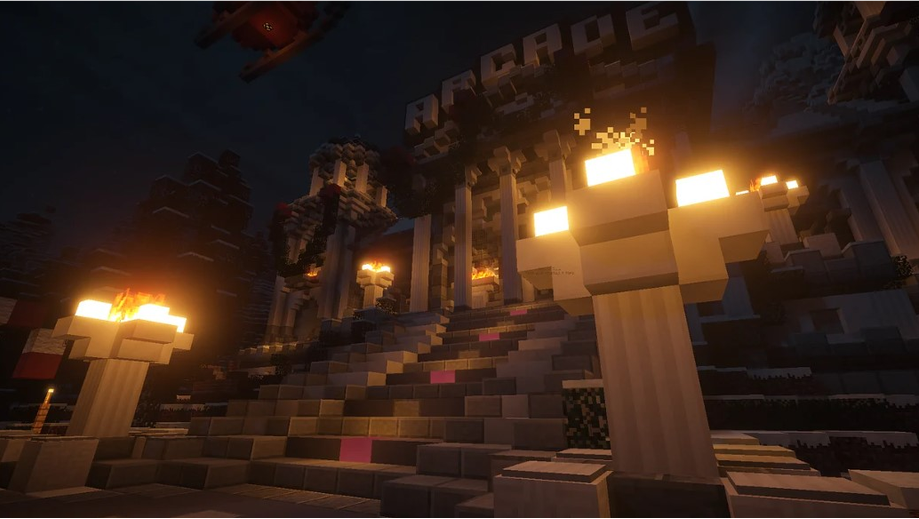
Playing on PC gives you the most freedom in Minecraft, and that includes seeds. You can type any word, load any world, and preview it in detail before you start. But PC also brings one choice many players skip: Java or Bedrock. That single decision shapes which minecraft seeds pc worlds you can use. If you have ever loaded a number and landed somewhere strange, this guide is for you. Let us sort out the edition question and show you how to preview a world the smart way.
PC Means a Choice of Editions
Here is the fork in the road many players miss.
On PC, you can run Java Edition or Bedrock. Java is the classic, PC-only version with the biggest modding scene. Bedrock on Windows links up with console and mobile friends. So minecraft pc seeds come in two flavours, and the edition decides which worlds match your game.
The Minecraft Wiki notes that the same number generates different results across the two editions. Terrain roughly lines up, but structures and caves land in different spots. Match the edition first, and you avoid a lot of confusion.
A Neat Trick: Word Seeds
PC players love this one. You do not have to use numbers at all.
Type any word or phrase into the seed box, and the game turns it into a number behind the scenes. So “castle” or your own name builds a specific, repeatable world. It is a fun way to make pc minecraft seeds personal, and you can share the word with a friend to land in the same place. Plenty of the best pc minecraft seeds started as nothing more than someone’s favourite word typed on a whim.
- Start a new world. Do not load an old save.
- Open more world options. The seed box lives there.
- Type a word or number. Both work fine.
- Match your edition. Java and Bedrock differ.
Preview Before You Play
Here is the real advantage of PC. The tools are excellent.
Your desk computer is the perfect place to study a world in detail before you load in. A big screen shows the whole map at once, so nothing surprises you at spawn. Drop your number into this map seed minecraft viewer, and the terrain, biomes and structures appear in seconds. The godlike.host tool reads both Java and Bedrock, so it matches whatever you play.
| Edition on PC | Best for |
|---|---|
| Java | Mods, custom worlds |
| Bedrock | Cross-play with console and mobile |
On Java there is one more layer. Mods and datapacks can change world generation entirely, adding biomes or reshaping terrain. A preview shows the base world, so treat it as your starting canvas before any mods paint over it.
The scale makes previewing worth it. Mojang reports the game has sold more than 300 million copies, and players share great minecraft seeds pc worlds every day. A quick look sorts the gems from the duds before you spend an evening on one.
Pick the Edition, Then the World
Choosing a good world on PC starts with one decision: Java for mods and custom play, or Bedrock for cross-play with friends. From there, type a word or number, match the edition, and preview it on a map before you load in. Do that, and your PC world begins exactly the way you pictured it, with the terrain and biomes you were hoping for. No restarts, no surprises, just a world you already know you will love.