

Technology
The Best AI Face Swap Tools in 2026: A Complete Guide

The Rise of AI Face Swap Technology
AI face swap technology has evolved from a novelty into a powerful creative tool. What once required professional video editing software and hours of manual work can now be done in seconds with a single click. Fueled by advances in deep learning and generative AI, face swap tools have become remarkably realistic and accessible. By 2026, millions of content creators, marketers, filmmakers, and everyday users rely on these tools for entertainment, business, and personal projects. As the technology matures, choosing the right tool has never been more important — or more competitive.
How to Use AI Face Swap in Your Work and Daily Life
AI face swap tools are no longer just for fun — they’re reshaping how we work and communicate:
- Content Creation & Social Media: Swap faces to create viral memes, funny videos, or personalized content that drives engagement on TikTok, Instagram, and YouTube.
- Marketing & Advertising: Brands use face swap to localize ad campaigns by replacing models with regional faces, saving time and budget on reshoots.
- Film & Video Production: Indie filmmakers use AI face swap for de-aging effects, stunt doubles, or recreating scenes without expensive CGI.
- E-Commerce & Fashion: Virtual try-on experiences let shoppers see how they’d look in different outfits or hairstyles.
- Personal Fun: Swap your face onto movie characters, historical figures, or your favorite celebrities for entertaining social content.
- Education & Training: Create realistic training simulations or educational videos with customized faces.
How to Judge a Good AI Face Swap Tool
Not all face swap tools are created equal. Here’s what to look for:
- Realism & Quality: Smooth blending, accurate skin tone matching, and consistent lighting.
- Speed: Results in seconds, not minutes.
- Ease of Use: An intuitive interface for non-technical users.
- Privacy & Security: Clear data policy — no storing images without consent.
- Multi-Format Support: Handles photos, videos, and real-time swaps.
- Customization Options: Fine-tuning for expression, angle, and lighting.
- Pricing & Value: Transparent pricing with a free tier or trial.
Part 4: Top 5 AI Face Swap Tools in 2026
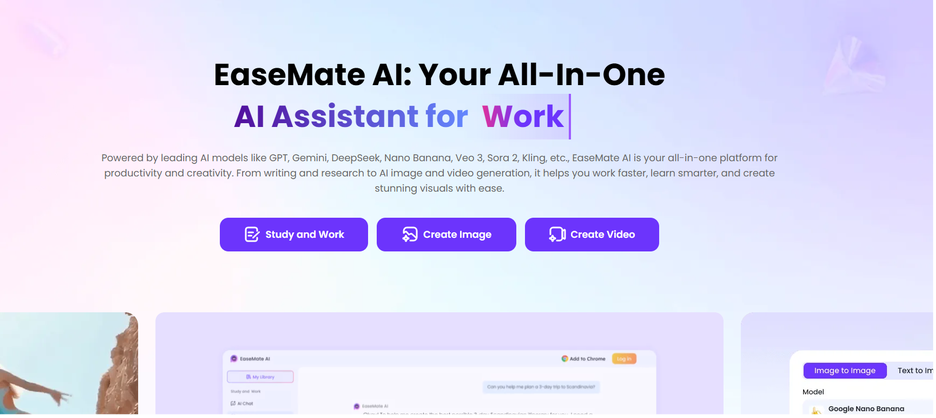
🥇 1. Easemate — Best Overall Pick
Website: https://www.easemate.ai/
🔑 Key Features: Supports photo & video face swapping with real-time preview, batch processing, automatic skin tone matching, intelligent lighting adjustment, and multi-face detection for group photos. Privacy-first design — images are never stored without consent.
✅ Pros: Exceptional realism with accurate edge detection and shadow rendering. Lightning-fast even for HD video. Beginner-friendly interface with zero technical knowledge required. Flexible, affordable pricing for individuals and teams. Strong privacy policy for peace of mind.
❌ Cons: Batch video processing and 4K export require a paid plan.
2. DeepFaceLab — Best for Advanced Users & Filmmakers
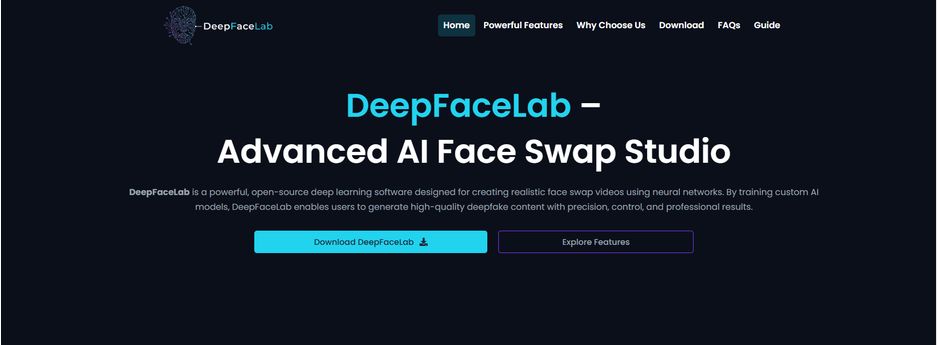
🔑 Key Features: Deep neural network-based swaps with full control over face alignment, blending modes, mask refinement, and custom model training on personal datasets.
✅ Pros: Completely free and open-source. Unmatched customization for experienced users. Huge active community with tutorials and pre-trained models. Ideal for long-form video and cinematic-quality projects.
❌ Cons: Steep learning curve, requires high-performance GPU, no cloud version.
3. Reface — Best for Fun & Social Media
🔑 Key Features: Mobile-first app with a massive library of celebrity clips, movie scenes, GIFs, and meme templates. Real-time facial landmark mapping and one-tap social sharing to Instagram, TikTok, and WhatsApp.
✅ Pros: Extremely easy to use — just take a selfie and pick a template. Library updated regularly with trending pop culture content. Perfect for casual entertainment and viral social content.
❌ Cons: Mobile only; not suitable for professional or high-resolution output.
4. FaceSwapper.ai — Best for Quick, No-Fuss Photo Swaps
🔑 Key Features: Browser-based, one-click photo face swap with no account required. Supports JPG, PNG, and WEBP formats. Developer-friendly API for app integration and automated workflows.
✅ Pros: Zero-signup experience — incredibly accessible for one-off tasks. Fast, straightforward, and frictionless. Robust API for developers needing programmatic access.
❌ Cons: Limited video support and fewer customization options. Best for simple, single-image use cases.
5. Vidnoz AI — Best All-in-One Video Platform
🔑 Key Features: Full video creation suite including face swap, AI avatar generation, text-to-video, voice cloning, lip-sync dubbing, and multilingual video translation. Face swap integrates seamlessly with the broader production workflow.
✅ Pros: Outstanding value as a multi-function platform. Solid video output quality with regular improvements. Generous free tier available. Great for businesses producing localized or multilingual video content at scale.
❌ Cons: Face swap is a secondary feature — lacks the depth and advanced controls of dedicated tools.
Part 5: Conclusion
AI face swap in 2026 is smarter and more accessible than ever. Among all options, Easemate stands out as the best all-around choice — combining professional-grade quality with an effortless experience and a privacy-first approach. Start with Easemate today.
Part 6: FAQ
Q1: Is AI face swap legal?
Yes, for personal and creative use. Using it for deception or non-consensual imagery is illegal in many jurisdictions.
Q2: Is Easemate free?
It offers a free tier; premium plans unlock batch processing and high-res video output.
Q3: Can these tools work on videos?
Yes — Easemate, DeepFaceLab, and Vidnoz AI all support video face swapping.
Q4: How do I protect my privacy?
Choose platforms with clear privacy policies. Easemate is known for its privacy-first approach.
Q5: Photo vs. video face swap — what’s the difference?
Photo swap is faster and simpler. Video requires frame-by-frame processing but delivers more impressive results.
Q6: Do I need technical skills?
Not at all! Tools like Easemate are designed for everyday users — just upload and let the AI handle the rest.