

Technology
AI Tools That Transform Creative Workflows

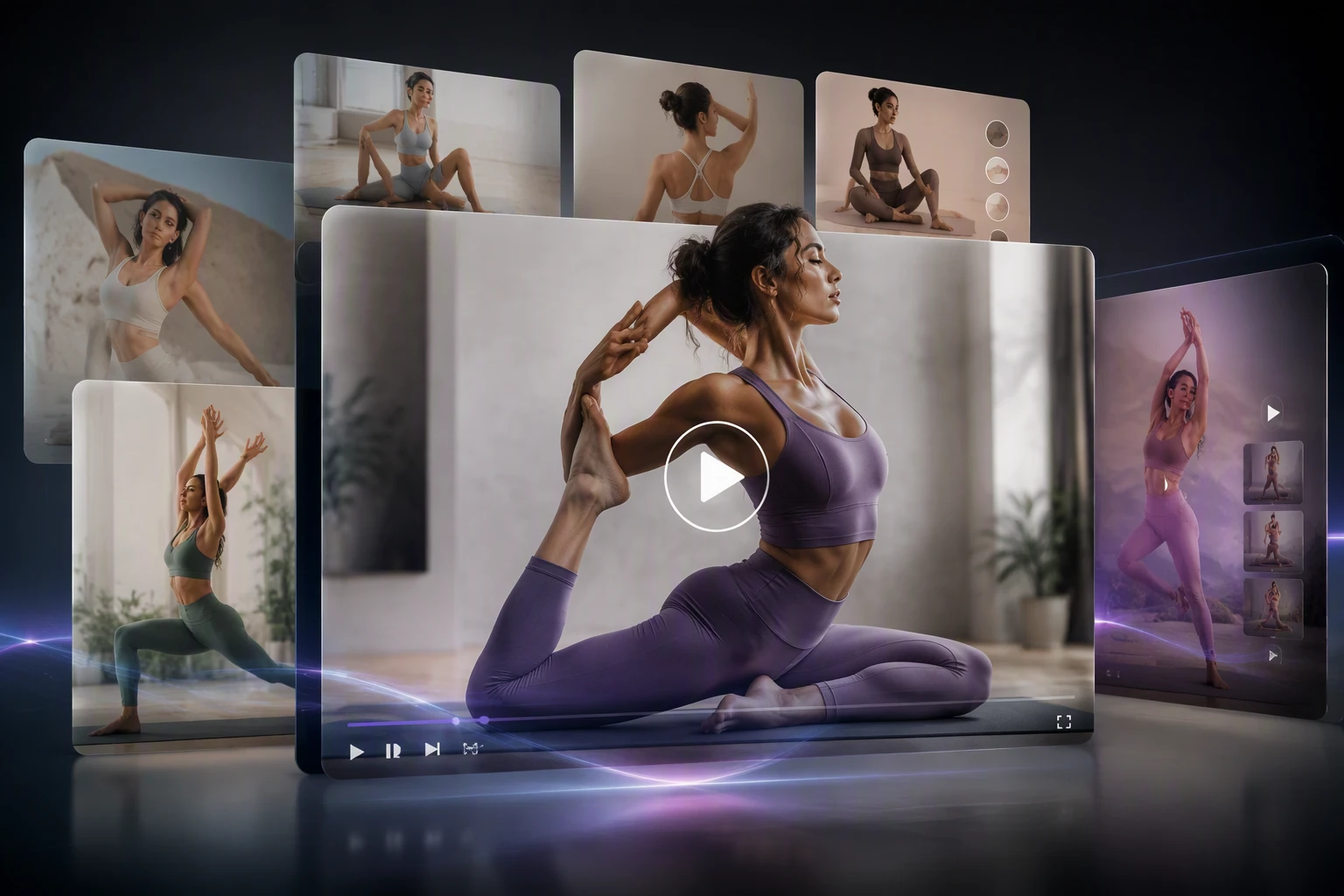
Creative work used to take weeks of planning and execution. You had to hire models, book studios, and spend hours in editing suites. Now, technology lets you skip the heavy lifting and focus on your ideas. These new tools help you produce high quality content without the high price tag or the long wait times. You can now generate professional visuals from your desk using simple commands.
If you need to create engaging clips for social media, an AI Video Generator can turn your text prompts into professional footage. This tool allows you to build visual stories without ever picking up a camera. You can test different styles and formats in seconds, which helps you stay ahead of your competition. It removes the barriers that used to stop small creators from making big budget content.
For those who focus on still images, an AI Photo Studio provides a virtual environment to edit and enhance your pictures. You can change backgrounds or adjust lighting with just a few clicks. This makes it much easier to maintain a consistent look across all your marketing materials. You no longer need to worry about bad weather or poor lighting during a shoot.
Real World Scenario 1 E-commerce Product Launches
Small business owners often struggle to get professional product shots. They might not have the budget for a full production team or a fancy studio. Using AI tools allows them to create lifestyle images of their products in various settings. Instead of shipping items to a photographer, they can upload a simple photo and let the software do the rest. This process turns a single product shot into a full marketing campaign.
A brand selling reusable water bottles can use these tools to show their product in a gym, at a park, or on an office desk. They do not need to travel to these locations. The software places the product naturally into the scene. This helps customers see how the product fits into their daily lives. It creates a stronger emotional connection and leads to higher sales.
Benefits for E-commerce
This approach saves thousands of dollars in studio fees and equipment rentals. It also allows for rapid testing. You can see which background colors or settings drive more sales without reshooting the entire catalog. Speed is a major advantage here. You can go from a product idea to a live ad in a single afternoon. You can also update your visuals for every season without spending more money on new shoots.
Another benefit is the ability to scale. If you have hundreds of products, manual photography takes months. AI tools can process an entire inventory in a few days. This allows you to launch your store faster and start earning revenue sooner. You also get a consistent look across your website, which builds trust with your customers.
Real World Scenario 2 Social Media Content Creation
Content creators face constant pressure to post every day. Keeping up with this schedule is exhausting if you do everything manually. AI tools help by automating the repetitive parts of the job. You can generate multiple versions of a video or photo to see what resonates with your audience. This allows you to focus on the creative strategy rather than the technical details.
An influencer can take a single video and use AI to create several shorter clips for different platforms. They can change the aspect ratio or add captions automatically. This saves hours of editing time every week. It also allows them to experiment with new trends without committing a lot of time to a single post. If a trend changes, they can adapt their content in minutes.
Benefits for Social Media
Consistency is key on social platforms. These tools ensure that your brand voice and visual style stay the same across every post. You also reduce the risk of burnout. When the software handles the tedious editing tasks, you have more energy to engage with your followers. This leads to better community building and higher engagement rates.
You can also reach a global audience more easily. Some tools can translate your videos or add subtitles in different languages. This expands your reach without requiring you to learn a new language or hire a translator. It makes your content accessible to millions of more people around the world.
Real World Scenario 3 Real Estate Marketing
Real estate agents need to make homes look inviting to potential buyers. Empty houses often look cold and small in photos. Virtual staging tools allow agents to add furniture and decor to a room digitally. This helps potential buyers imagine themselves living in the space. It turns a vacant house into a warm home.
Agents can also create virtual walkthroughs using AI. This allows people to tour a home from their own living room. It saves time for both the agent and the buyer. You only show the house in person to people who are already interested. This makes the entire sales process much more efficient.
Benefits for Real Estate
Physical staging is expensive and takes time to set up. You have to rent furniture and move it into the house. Digital staging is nearly instant and costs a fraction of the price. You can show the same room in different styles, such as modern or rustic, to appeal to different types of buyers. This flexibility helps properties sell much faster.
High quality visuals also help your listings stand out on crowded websites. When a house looks beautiful in photos, it gets more clicks and more inquiries. This leads to faster sales and higher commissions for the agent. It also builds a professional reputation for the real estate agency.
Practical Workflow for AI Creative Projects
To get the most out of these tools, you need a solid plan. You should not just click buttons and hope for the best. A structured workflow ensures that your final content looks professional and meets your goals. Follow these steps to improve your results.
1. Define Your Goal
Start by deciding what you want to achieve. Are you trying to sell a product, build a brand, or share a story? Knowing your objective helps you choose the right tools and prompts. Write down the key message you want to convey to your audience.
2. Gather Your Raw Assets
Collect the materials you already have. This could be a rough script, a basic photo of your product, or a voice recording. The better your starting material, the better the final result will be. Make sure your photos are clear and your scripts are easy to understand.
3. Choose Your AI Tool
Pick the software that best fits your needs. If you need motion, use a video generator. If you need high quality stills, use a photo studio tool. Many platforms offer free trials, so you can test them before you commit to a subscription.
4. Input Your Prompts
This is where you tell the AI what to do. Be specific with your descriptions. Instead of saying “a blue car”, say “a shiny blue sports car driving on a coastal road at sunset”. Specific details help the software understand your vision.
5. Refine and Iterate
The first result might not be perfect. Don’t worry if it looks a bit off. You can adjust your prompts and try again. Most platforms allow you to make small changes until you get the exact look you want. This is a normal part of the creative process.
6. Final Human Review
While these tools are powerful, they still benefit from a human touch. Look for any small errors or unnatural details. You might want to adjust the color balance or crop the image for better framing. Once you are happy, you can export your work.
7. Publish and Analyze
Share your content on your chosen platforms. Pay attention to how your audience reacts. Use this data to improve your next project. If a certain style gets more likes, try to replicate that in your future work.
Comparing Traditional and AI Workflows
|
Task |
Traditional Method |
AI Method |
| Content Creation | Days of filming and setup | Minutes of processing time |
| Editing | Manual retouching and cutting | Instant enhancement and generation |
| Cost | High equipment and labor fees | Low monthly subscription costs |
| Flexibility | Hard to change after shooting | Easy to change with new prompts |
| Scaling | Limited by physical resources | Unlimited digital production |
Conclusion
AI tools are changing the way we think about creativity. They remove the technical hurdles that used to stand in the way of great ideas. Whether you are a small business owner, a social media creator, or a real estate agent, these tools offer a way to work smarter. You can produce more content in less time and at a lower cost.
The key to success is to embrace these changes and learn how to use them to your advantage. You do not need to be a tech expert to get started. Most of these platforms are designed to be user friendly and accessible to everyone. By integrating these tools into your workflow, you can spend more time on the parts of your job that you love.
As the technology continues to improve, the possibilities will only grow. You will be able to create even more complex and beautiful visuals with even less effort. The future of creative work is here, and it is more exciting than ever. Start experimenting today and see how these tools can transform your own workflow. You might be surprised at how much you can achieve when you have the right technology by your side.